
How to Activate Astute Beta Server (UID Activation Guide)
Astute Beta Server asks you to activate your account before it connects to its test environment. This is often called “unlocking” it. You log in as a guest, register the UID shown on screen, wait for it to sync, then log in again. You may need to repeat the process, because the app asks for a short activation each session.
Before you start
- The app must be installed. See How to install.
- Use a guest account, not your main Free Fire account. Astute is third-party software and can put an account at risk. See account ban risk.
- Use a stable internet connection.
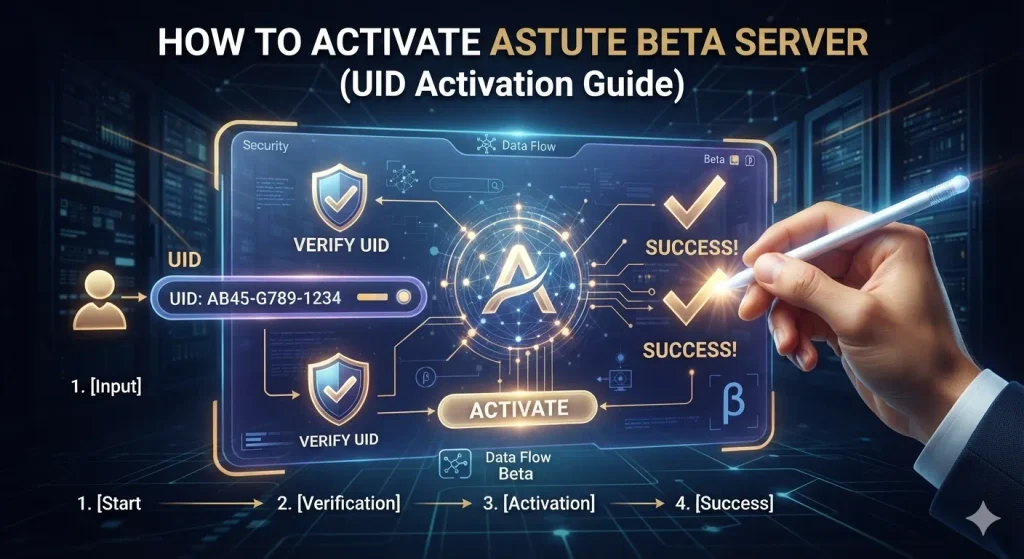
Activation Steps
- Open the app and choose Guest account.
- On first login, you’ll see your unique UID on screen.
- Follow the in-app prompts to register the UID.
- Wait for the ID to sync with the beta environment.
- Close and reopen the app.
- Log in again with the Guest account. Your account should now be active.
Why it asks you to activate again
The app asks for a short activation each user session. Some guides say access can expire after a few hours, but I can’t confirm that for every build. If access stops, repeat the steps.
If verification fails
The app may offer an alternative verification method. Use only the option shown inside the app. Never give your Free Fire password, recovery codes, or OTPs to any verification step, and never pay anyone to activate it for you. That is a common scam.
Common Unlock problems
| Problem | What to try |
|---|---|
| Invalid ID | Re-enter the UID carefully, with no extra spaces |
| Verification failed | Try the alternative verification method in the app |
| Access expired | Repeat the activation steps |
| UID not showing | Update the app, restart it, and check your connection |
| Sync never finishes | Switch networks and retry. If it’s still stuck, see Not working |
| Login failed after activating | See Login failed 400 or Login failed 500 |
What Activation does not do
Activation doesn’t give you permanent items, a protected account, or “unlimited” anything. Anything you see in the test environment is temporary and may reset.
Frequently asked questions
⚠️Disclaimer:
Astute Beta Server is a third-party application and is not developed or endorsed by Garena.
Ads: none on this page.