
Astute Beta Server Not Working: Find Your Problem and Fix It
Most Astute Beta Server problems come from four things: an outdated or damaged APK, low storage, a weak or restricted connection, or a server-side outage. Start with the five quick checks, then find your symptom in the table.
Five quick checks (do these first)
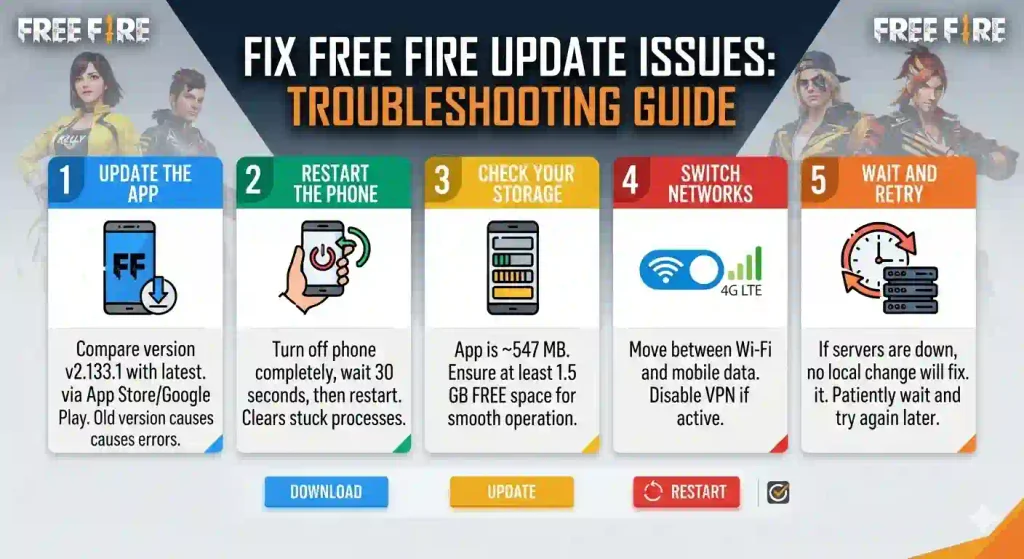
- Update the app. Compare your version with the latest on the download page, currently v2.133.1. An old version is the most common cause after a Free Fire update.
- Restart the phone. It clears stuck processes and network states.
- Check your storage. The app is about 547 MB, so keep at least 1.5 GB free.
- Switch networks. Move between Wi-Fi and mobile data. If you use a VPN, turn it off and test again.
- Wait and retry. If the server is down, nothing you change on your phone will fix it.
Find your symptom
| What you see | Most likely cause | Go to |
|---|---|---|
| “App not installed” | Damaged file, low storage, conflict with an older install | App not installed |
| Login Failed 400 | Request not accepted: version, region, cache, or network | Login failed 400 |
| Login Failed 500 | Server-side processing problem | Login failed 500 |
| Verification or activation won’t complete | UID not registered or session expired | How to unlock |
| Black screen or instant crash | Outdated app, low RAM, corrupted cache | Black screen or crash |
| Stuck on loading | Weak connection, server issue, or resource problem | OBB file guide |
| “Server full” or unavailable | Maintenance or high traffic | Server down or full |
| Not available in your country | Regional restriction | Region blocked |
| High ping or lag | Distance, routing, or network quality | Reduce lag and ping |
Is it your phone or the server?
- Only you have the problem: most likely your device, file, or connection.
- Many players report the same error at once: most likely a server outage or a version change. Waiting is the fix.
- It started right after a Free Fire update: the version you have may no longer match. Check the download page for a newer release.
What not to do
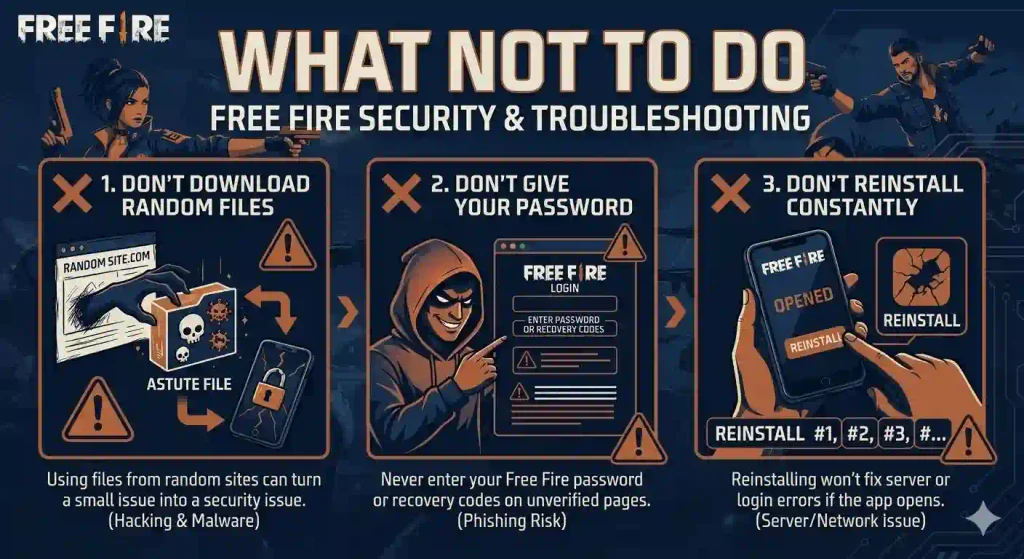
- Don’t download a different “Astute” file from a random site to fix a problem. It’s the fastest way to turn a small issue into a security issue.
- Don’t enter your Free Fire password or recovery codes into any screen the app or a “fix” page asks you to use.
- Don’t keep reinstalling if the app already installs and opens. Repeated reinstalls rarely fix a server or login error.
Frequently asked questions
⚠️Disclaimer:
Astute Beta Server is a third-party application and is not developed or endorsed by Garena.